
API Sandbox
The sandbox is an isolated copy of Coggno with a minimal data set. Use it to build and test your API integration without touching live data.
Separate environment
- Isolated database
- Sign in with your Coggno login
The same API
- Test API key
- Sandbox endpoint
Nothing real happens
- No real users
- No outgoing emails
- Marketplace test mode
- Training simulation
Open the sandbox
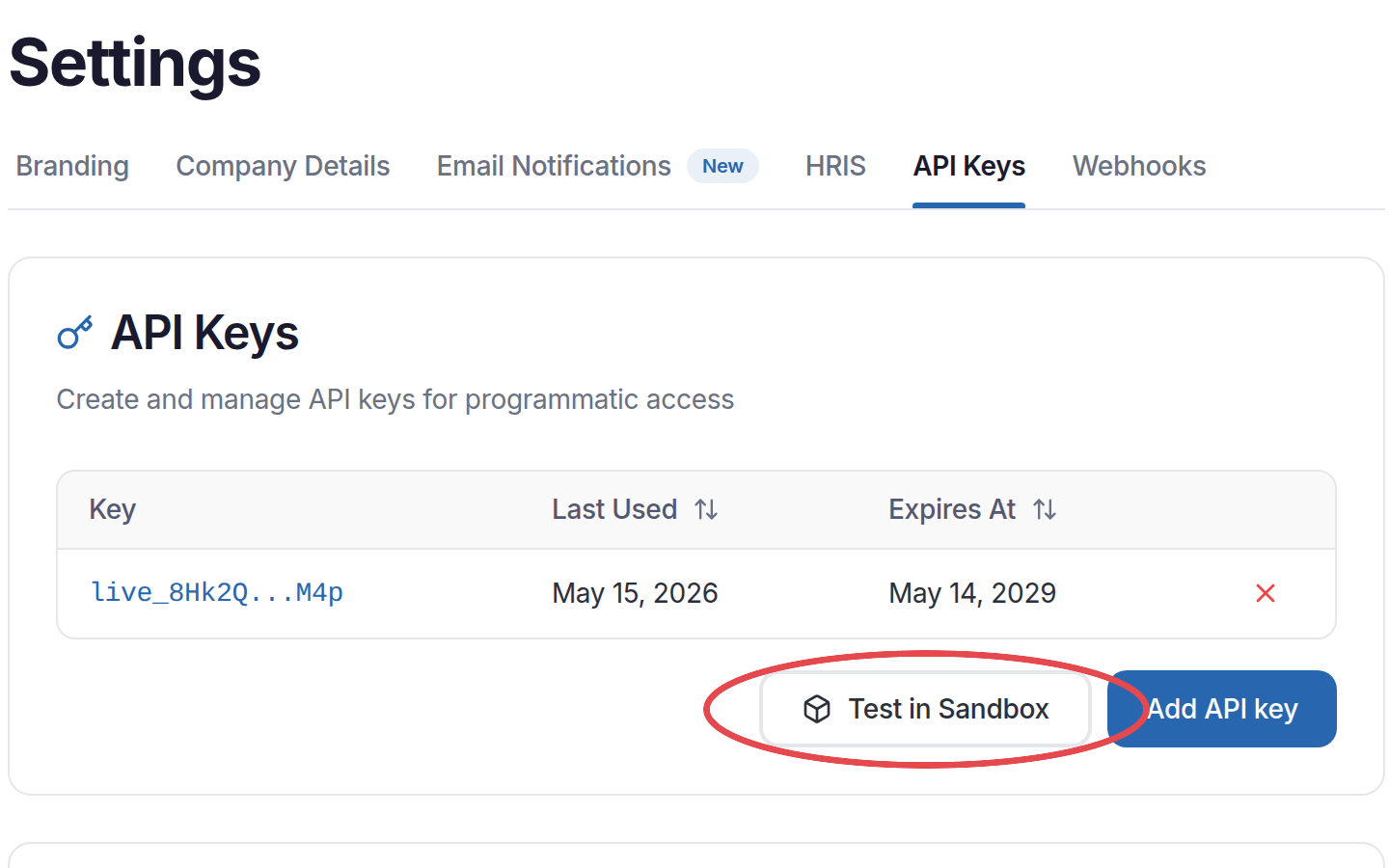
- In Coggno, open Settings → API Keys.
- Click Test in Sandbox.
- You land on sandbox-app.coggno.com, already signed in with your Coggno login.
Create a test API key
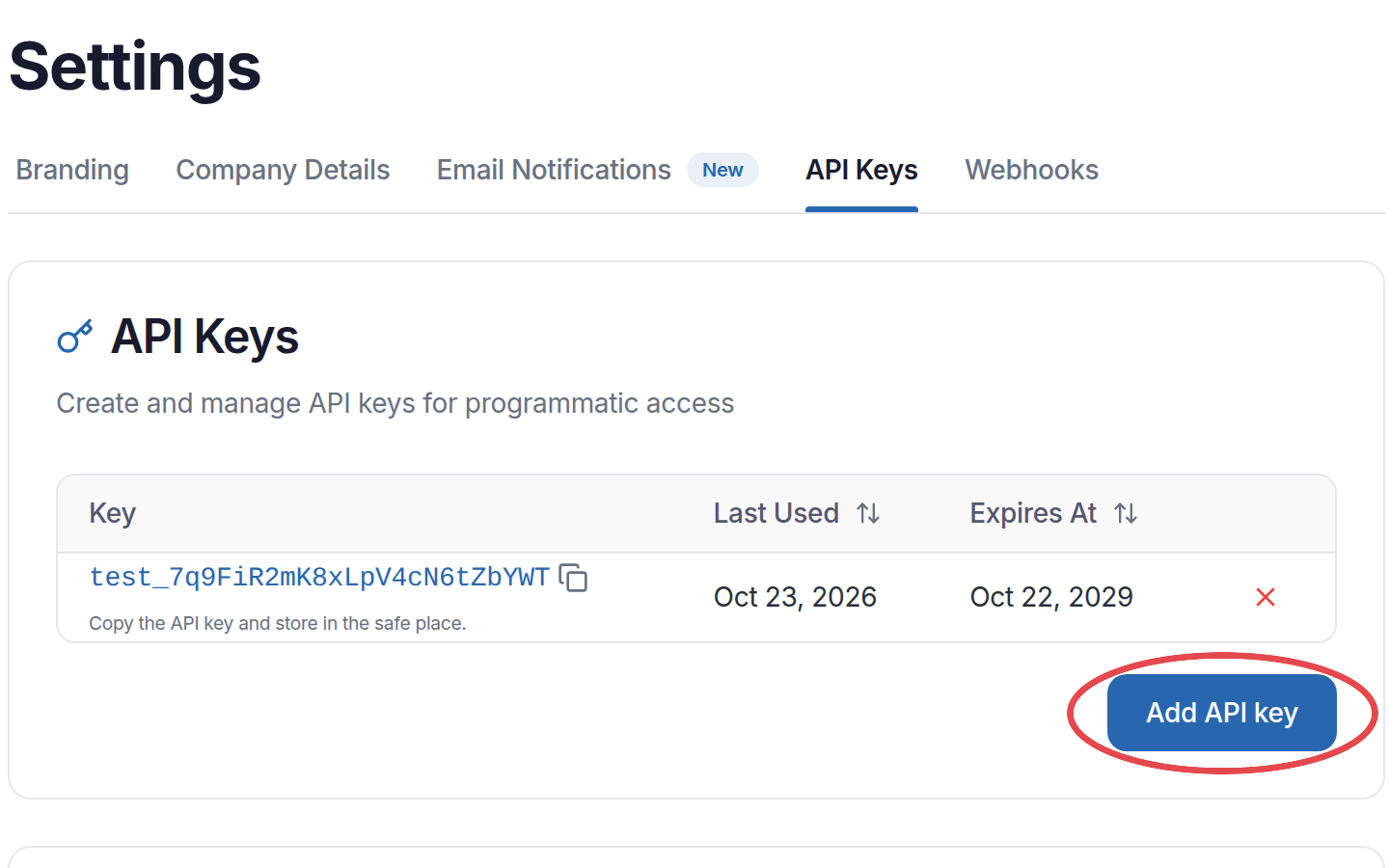
- In the sandbox, open Settings → API Keys.
- Click Add API key. The new key starts with
test_. - Copy it and store it like a password. Click a key in the list to show it again.
Test keys work only in the sandbox, and live keys work only in production. Keys are valid for three years.
Your sandbox account
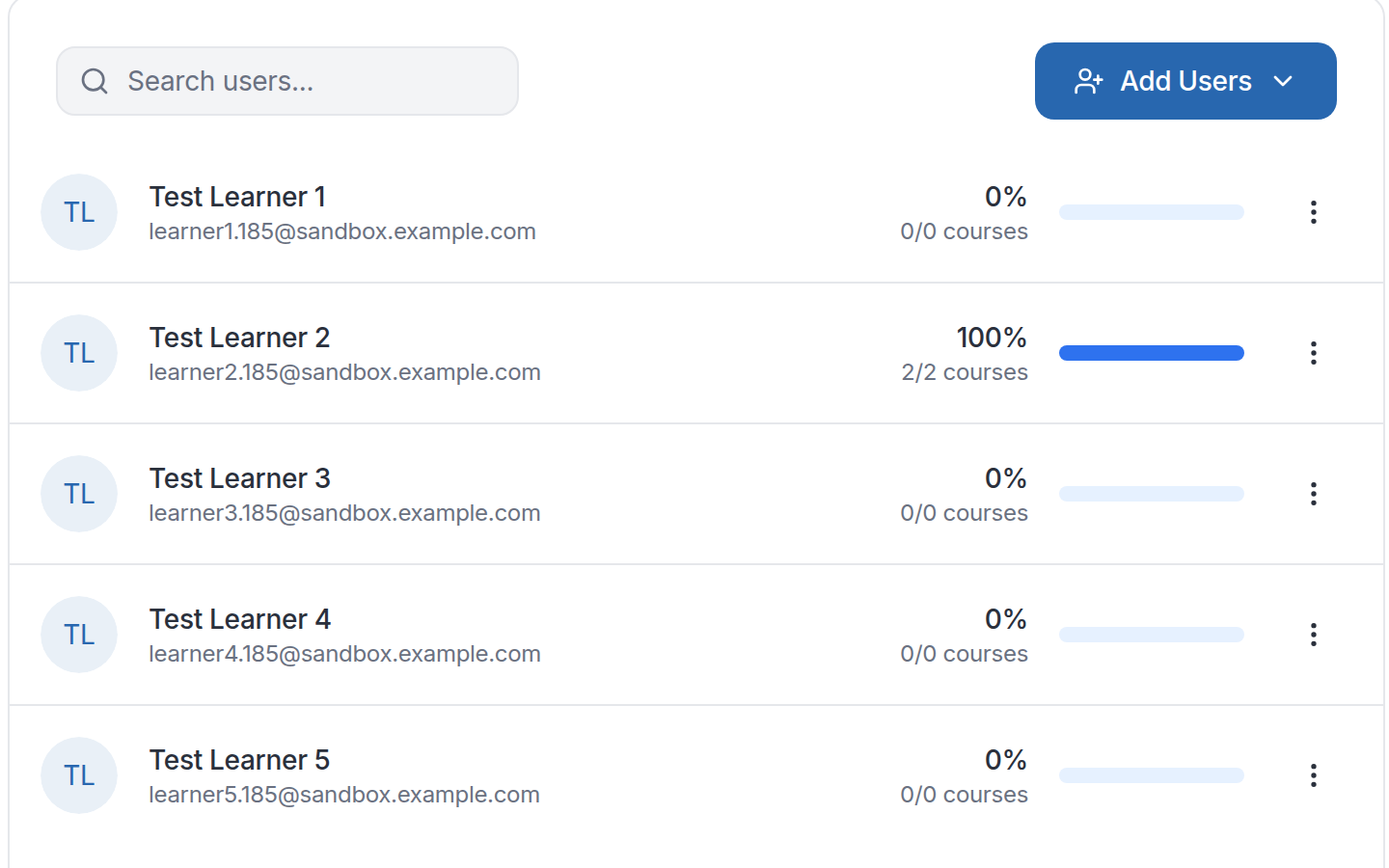
Every sandbox account comes ready to test with. Your own admin login works as usual, and the account allows up to 1,000 users, so you can create as many test learners as you need.
Log in as a test learner
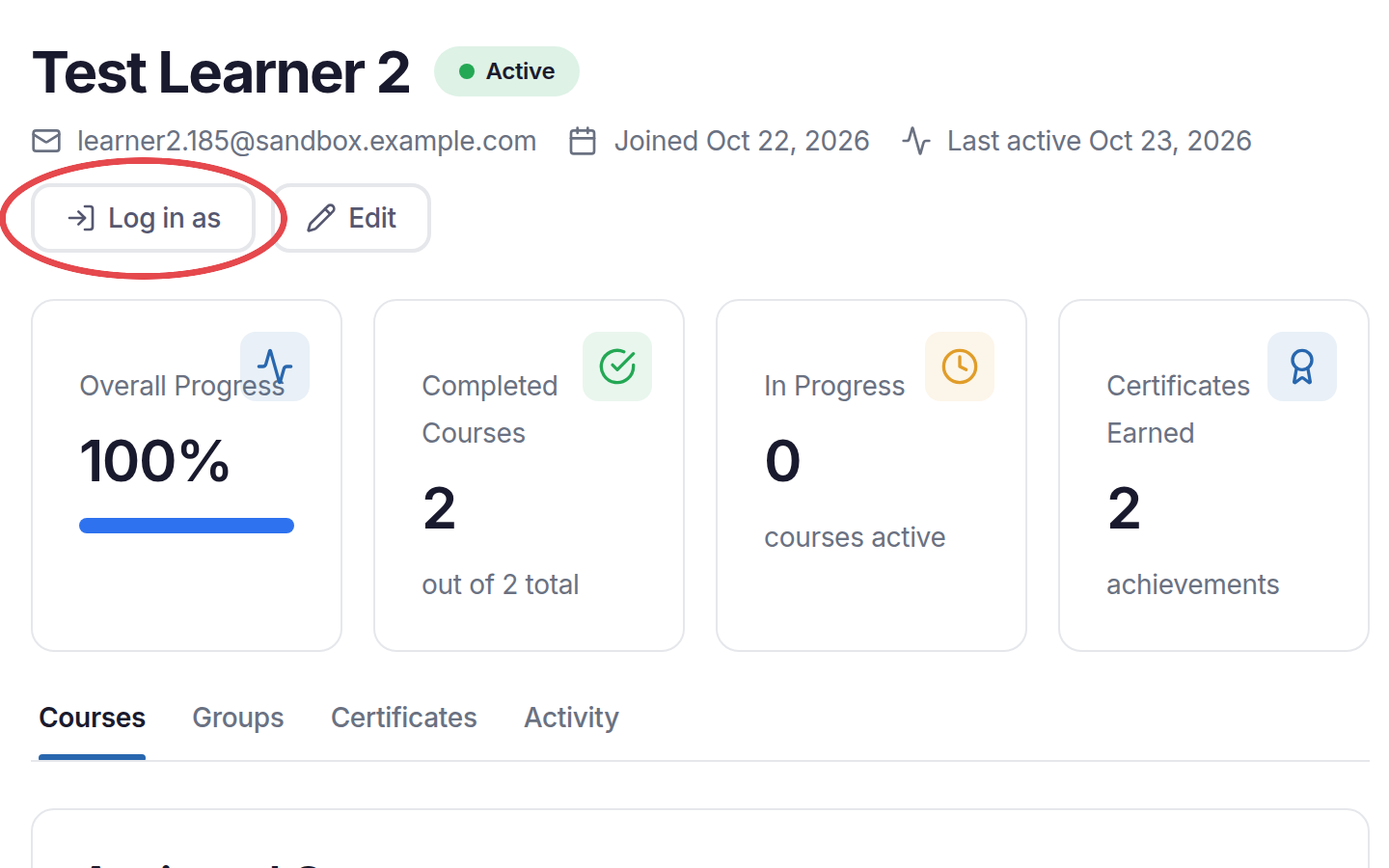
Test learners have no password. Open a learner in Users and click Log in as to see that learner’s dashboard and launch courses. Back to admin in the banner returns you to the admin side.
Course simulator
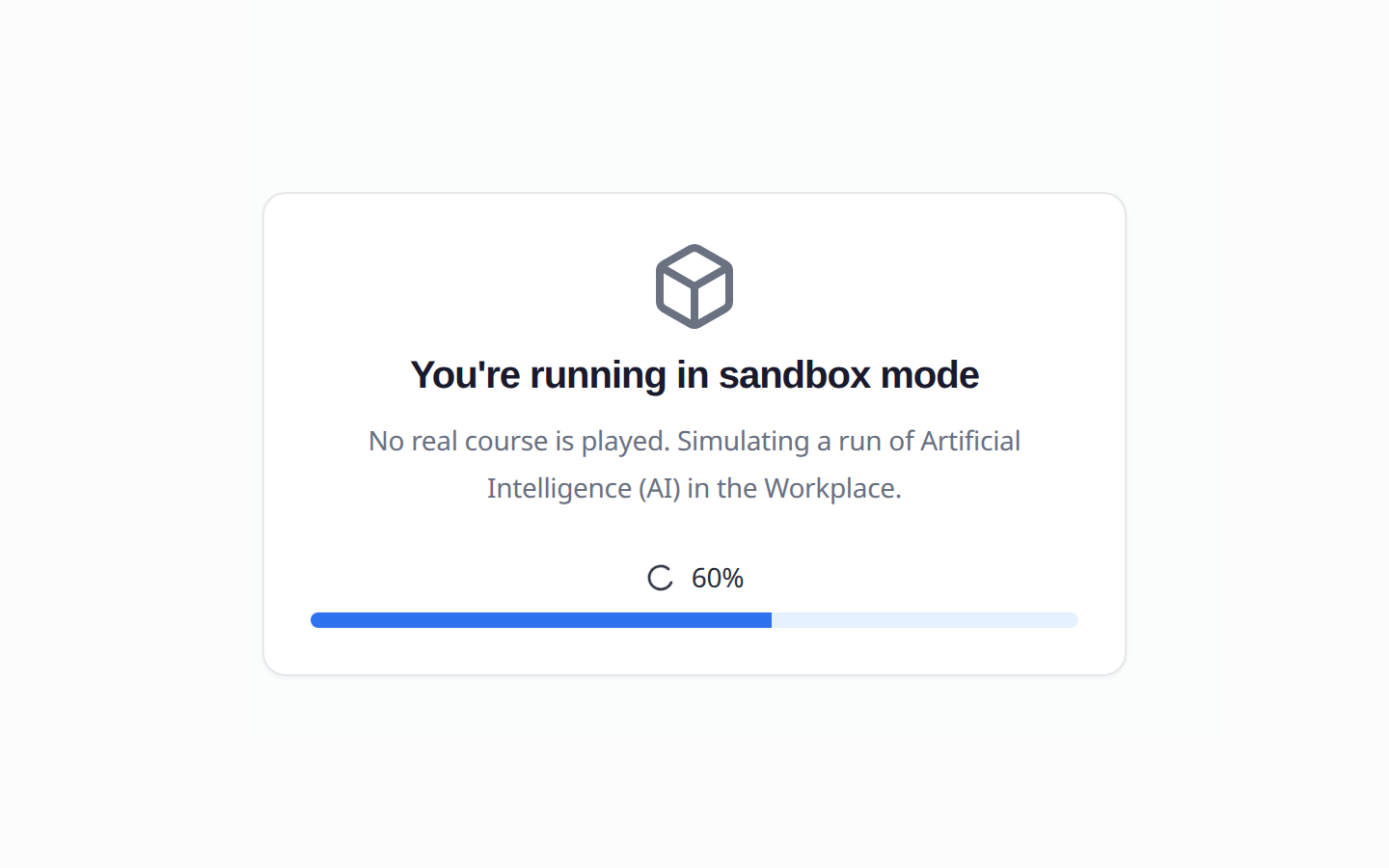
The sandbox doesn’t play real course content. Opening a launch link shows the course simulator instead.
- Progress climbs from 0% to 100% in 10% steps, one minute in total.
- Each step updates the license’s progress and score, just like a real course run.
- At 100%, the course is completed, a certificate is issued and your
license.completedwebhook fires. - The API returns the simulated score, so you can test reading it.
Certificates
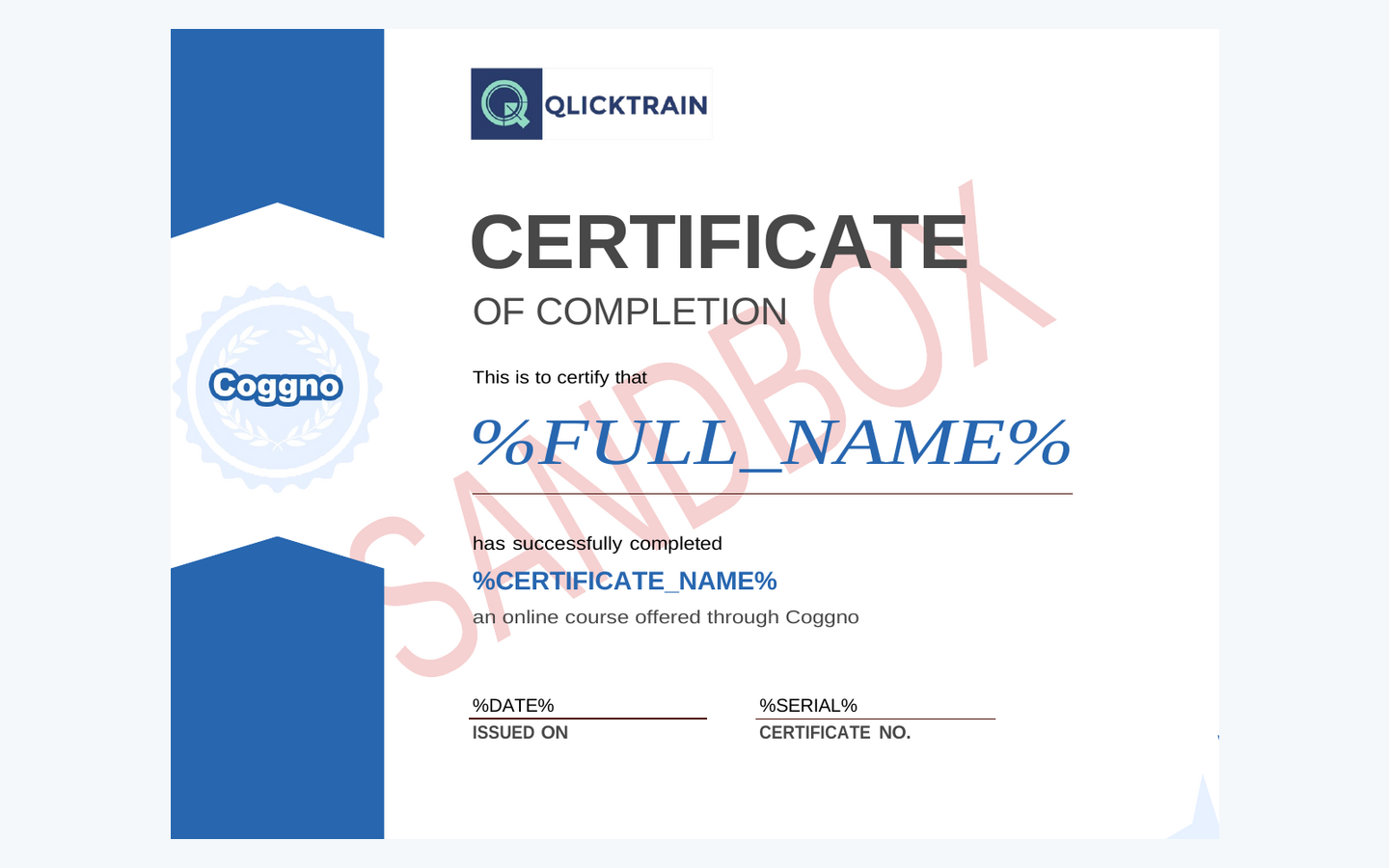
Completing a course issues its certificate exactly as in production: a PDF generated from the course’s certificate design, with the learner’s name, date and serial number. Use it to test the API certificate methods.
Every sandbox certificate carries a diagonal SANDBOX watermark, so it can never pass for a real one.
Make API requests
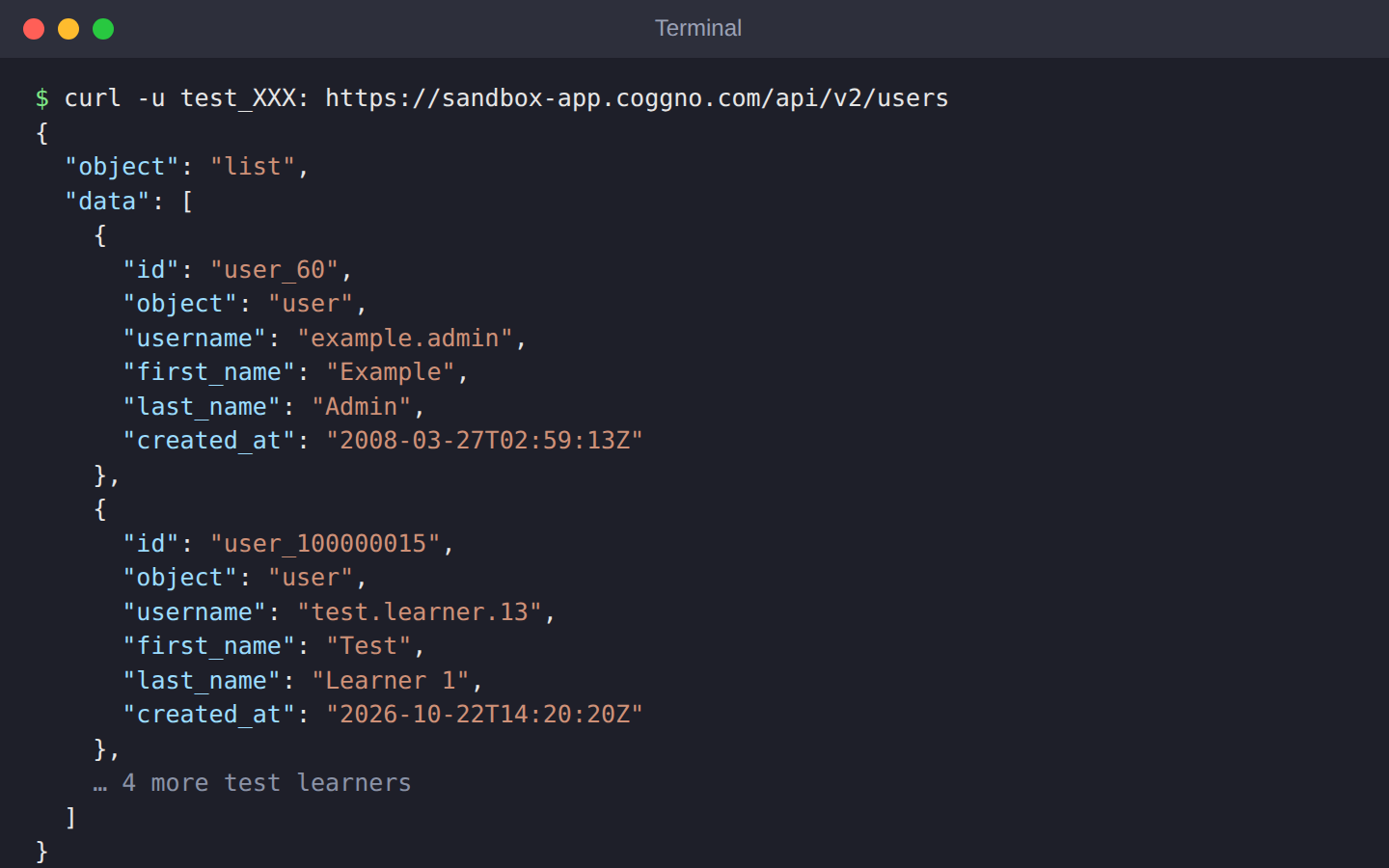
Call the sandbox exactly as you would call production. For example, GET /users with your test key returns your account owner and the five test learners.
- Base URL:
https://sandbox-app.coggno.com/api/v2 - Authentication: HTTP Basic, with your
test_key as the username and an empty password
See the API Reference for every endpoint.
Return to the live site
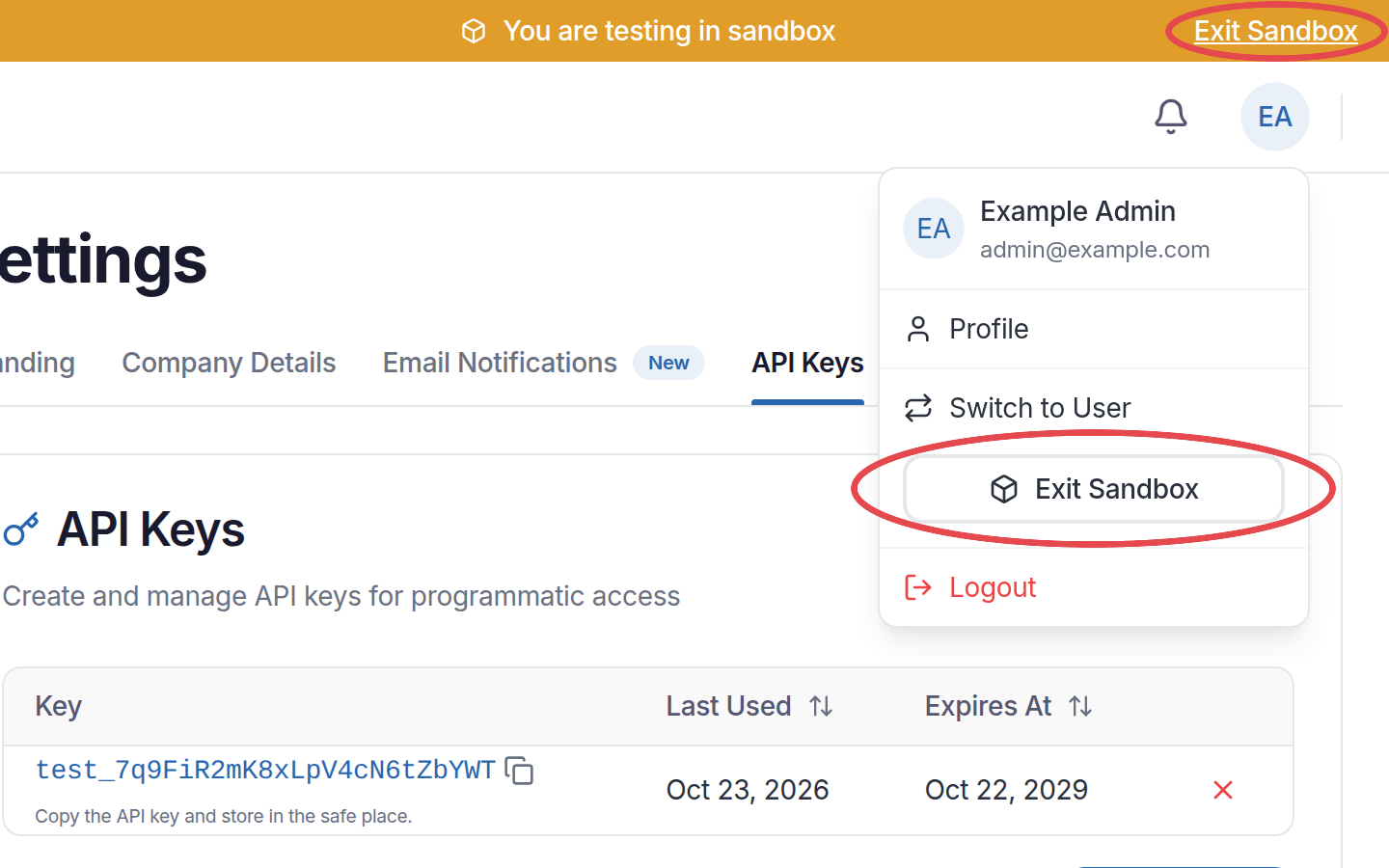
Click Exit Sandbox in the sandbox banner or in the account menu. The live site opens on Settings → API Keys, and you stay signed in.
Sandbox vs. production
| Sandbox | Production | |
|---|---|---|
| Course content | One-minute simulator | The real course |
| Courses | 3 QlickTrain courses, 25 licenses each | Purchased and authored courses |
| Course authoring | Course uploads are disabled | Supported |
| Emails | No outgoing emails | Sent to learners and admins |
| Payments | Marketplace test mode | Real charges |
| Test learners | Opened with launch_url or Log in as | Learners sign in themselves |
| Data | May be reset when the sandbox is refreshed | Permanent |